
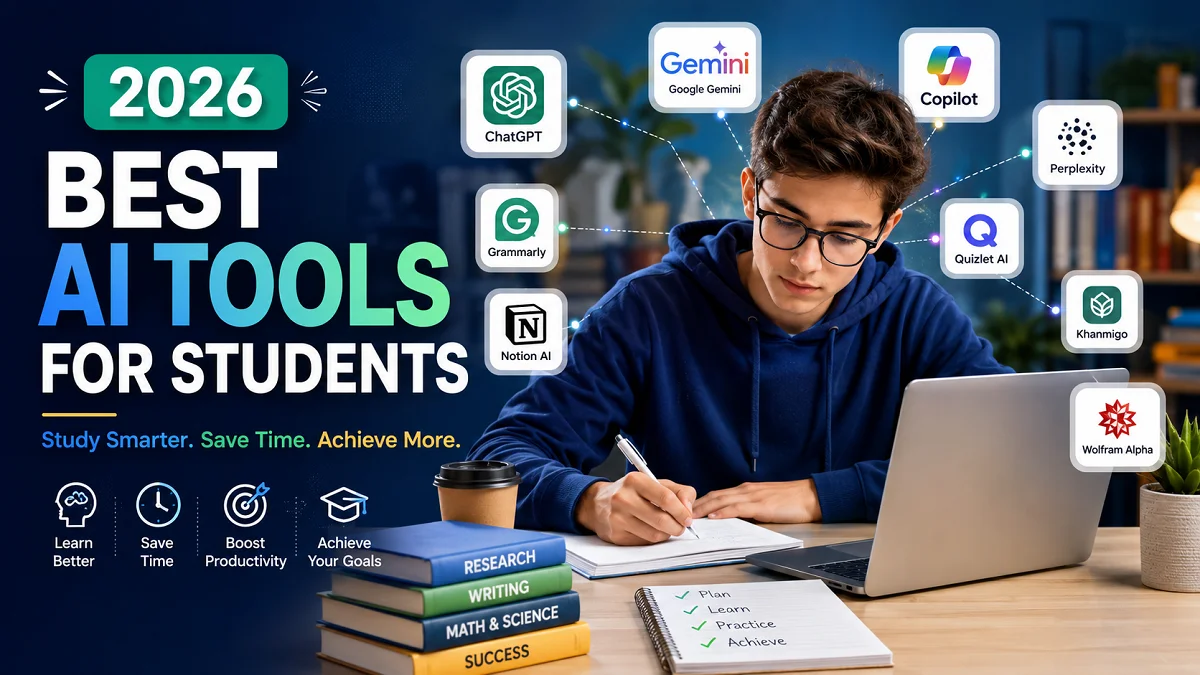
Best AI Tools for Students in 2026 | Complete Guide
Best AI Tools for Students: Artificial intelligence is transforming education faster than ever before. What once seemed like futuristic technology has become an everyday study companion for millions of learners worldwide. In 2026, AI tools are no longer limited to answering questions or generating text. They help students conduct research, organize notes, solve complex mathematical problems, create presentations, learn new languages, improve writing, and even prepare for exams.
As educational institutions continue integrating digital learning into classrooms, students face increasing workloads and higher expectations. AI-powered platforms help reduce repetitive tasks while allowing learners to spend more time understanding concepts and developing critical thinking skills.
However, not every AI tool offers the same value. Some excel at writing assistance, while others specialize in mathematics, coding, research, or collaborative learning. Choosing the right tool depends on individual academic needs, learning style, and educational goals.
In this comprehensive guide, we explore the best AI tools for students in 2026, compare their features, discuss their strengths and limitations, and explain how each one can improve productivity and learning outcomes.
Why AI Tools Have Become Essential for Students?
Modern education requires students to manage multiple responsibilities simultaneously. Assignments, projects, presentations, examinations, internships, and extracurricular activities all compete for attention. AI tools simplify many of these challenges by automating repetitive work while supporting deeper understanding.
Instead of replacing learning, today’s AI applications function as intelligent assistants that guide students through difficult concepts, organize study materials, and provide personalized recommendations.
Some of the biggest advantages include:
- Faster research and information gathering
- Improved academic writing
- Better note organization
- Personalized tutoring
- Instant explanations of complex concepts
- Enhanced productivity
- Time management support
- Language translation and grammar improvement
- Coding assistance
- Creative brainstorming
Students who use AI responsibly often spend less time on routine tasks and more time practicing, reviewing, and mastering subjects.
Key Benefits of Using AI in Education
Personalized Learning Experience
Every student learns differently. AI systems analyze learning patterns and adapt explanations according to individual needs. Visual learners may receive diagrams, while others benefit from step-by-step written explanations or practice exercises.
Improved Research Efficiency
Instead of spending hours searching multiple websites, AI can summarize information, identify reliable sources, and organize research into understandable sections.
Better Academic Writing
Writing assistants help improve grammar, sentence structure, vocabulary, readability, and overall clarity without changing the student’s original ideas.
Enhanced Productivity
Students can automate repetitive tasks like creating flashcards, summarizing lecture notes, generating study schedules, or organizing assignments.
Increased Confidence
Instant explanations reduce frustration when students encounter difficult topics, allowing them to learn independently before asking teachers for additional guidance.
Comparison Table: Best AI Tools for Students in 2026
| AI Tool | Best For | Free Version | Ideal Users |
| ChatGPT | Writing, research, explanations | Yes | All students |
| Google Gemini | Research and Google ecosystem | Yes | School and university students |
| Microsoft Copilot | Productivity and Office documents | Yes | Microsoft Office users |
| Grammarly | Grammar and writing improvement | Yes | Essay writers |
| Notion AI | Notes and organization | Limited | Organized learners |
| Perplexity AI | Academic research | Yes | Researchers |
| Claude | Long-form writing and analysis | Yes | University students |
| Quizlet AI | Exam preparation | Yes | Test preparation |
| Khanmigo | Personalized tutoring | Limited | School students |
| Wolfram Alpha | Mathematics and science | Yes | STEM students |
1. ChatGPT
ChatGPT remains one of the most powerful and best AI tools for students in 2026. Its versatility allows learners to receive explanations, generate study materials, practice interview questions, brainstorm project ideas, summarize lengthy articles, and improve academic writing.
Unlike traditional search engines, ChatGPT explains concepts conversationally. Students can ask follow-up questions until they fully understand a topic instead of reading static webpages.
Major Features
- Essay brainstorming
- Research assistance
- Programming help
- Language learning
- Note summarization
- Presentation preparation
- Mathematics explanations
- Exam revision
Advantages
- Extremely versatile
- Easy to use
- Supports hundreds of subjects
- Generates practice questions
- Explains difficult concepts clearly
Limitations
- Can occasionally produce inaccurate information
- Users should verify important academic facts with trusted sources
- Some advanced features require a paid subscription
Best For
Students looking for an all-in-one AI assistant capable of supporting nearly every academic task.
2. Google Gemini
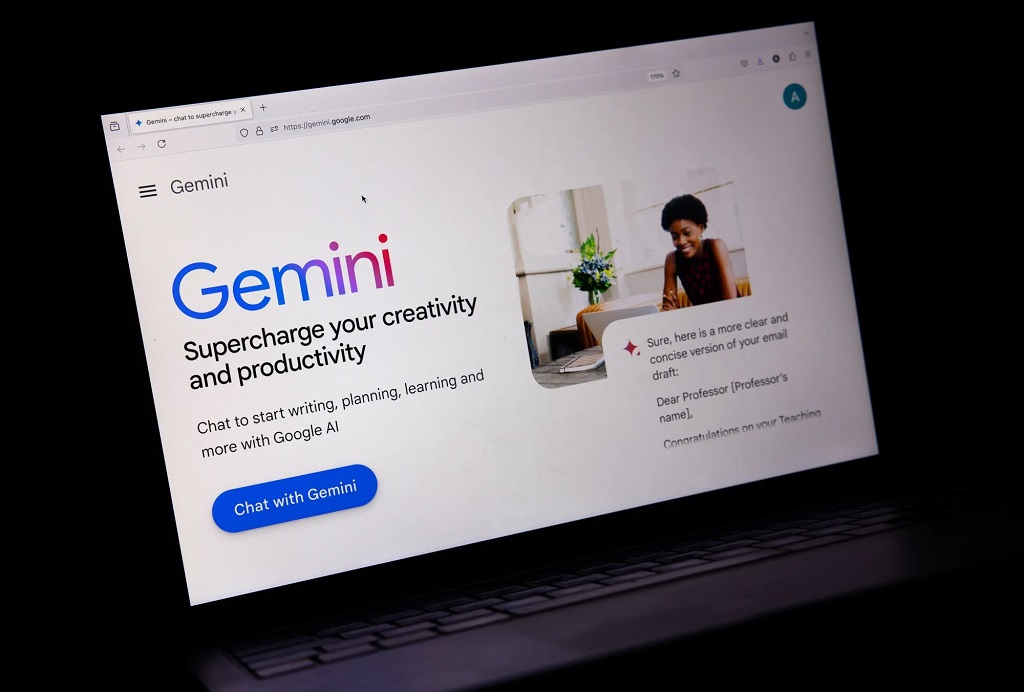
Best AI Tools for Students: Google Gemini has become one of the strongest AI assistants for students who rely heavily on Google’s ecosystem. It integrates smoothly with Google Docs, Gmail, Drive, and Search, making research and collaboration much easier.
Gemini excels at retrieving current information, organizing research, and helping students work within cloud-based environments.
Major Features
- Real-time web research
- Document analysis
- Google Workspace integration
- Image understanding
- Coding assistance
- Writing support
Advantages
- Strong integration with Google services
- Excellent for collaborative work
- Reliable research capabilities
- Fast information retrieval
Limitations
- Some advanced capabilities require premium plans
- Performance depends on internet connectivity
Best For
Students who already use Google Workspace for assignments and collaborative projects.
3. Microsoft Copilot
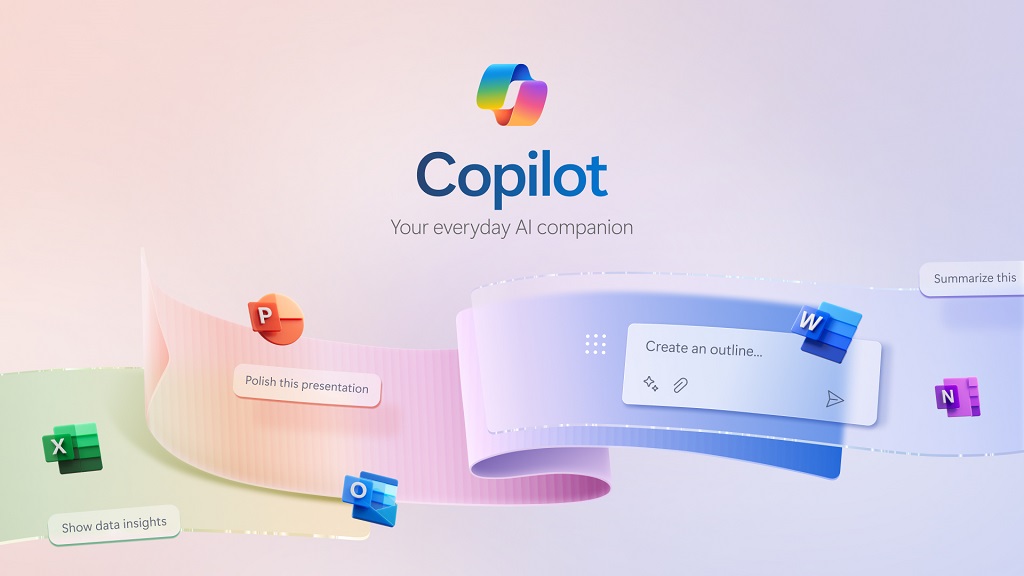
Best AI Tools for Students: Microsoft Copilot has become an indispensable productivity assistant for students using Microsoft Office applications. Whether writing reports in Word, creating PowerPoint presentations, analyzing Excel spreadsheets, or managing Outlook emails, Copilot significantly reduces manual work.
Its deep integration with Microsoft 365 enables students to complete academic tasks more efficiently without switching between multiple applications.
Major Features
- Word document assistance
- PowerPoint creation
- Excel data analysis
- Outlook email drafting
- Study planning
- AI-generated summaries
Advantages
- Saves considerable time
- Excellent for presentations
- Strong productivity features
- Seamless Office integration
Limitations
- Best experience requires Microsoft 365 subscription
- Limited usefulness outside Microsoft’s ecosystem
Best For
Students who frequently create reports, presentations, spreadsheets, and academic documents.
4. Grammarly
Best AI Tools for Students: Strong writing remains essential regardless of academic discipline. Grammarly continues to be one of the best AI-powered writing assistants by helping students produce clear, grammatically correct, and professional content.
Rather than merely correcting spelling mistakes, Grammarly evaluates clarity, engagement, tone, punctuation, sentence structure, and readability.
Major Features
- Grammar checking
- Spell checking
- Tone detection
- Vocabulary suggestions
- Citation assistance
- Plagiarism detection (Premium)
Advantages
- Easy to use
- Improves writing quality
- Supports multiple platforms
- Real-time corrections
Limitations
- Premium version unlocks advanced recommendations
- Cannot replace subject knowledge or critical thinking
Best For
Students writing essays, reports, dissertations, emails, and research papers.
5. Notion AI
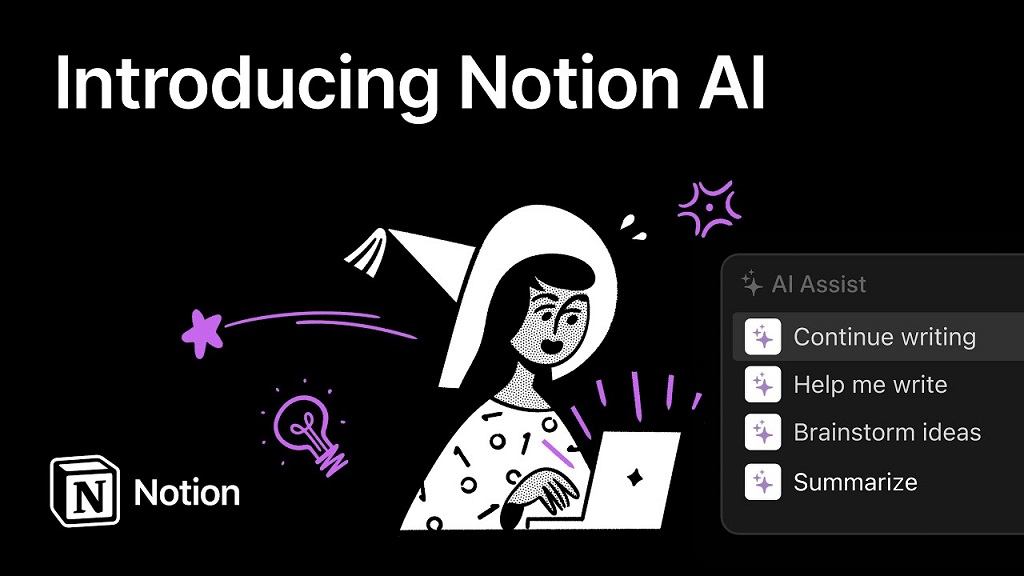
Organization plays a critical role in academic success. Notion AI combines note-taking, project management, task organization, and AI-powered writing assistance into one platform.
Instead of maintaining separate apps for notes, to-do lists, calendars, and project tracking, students can manage everything from a single workspace.
Major Features
- AI note summarization
- Assignment tracking
- Study planner
- Task management
- Brainstorming assistance
- Knowledge organization
Advantages
- Keeps study materials organized
- Excellent collaboration features
- Highly customizable
- Saves significant planning time
Limitations
- Initial learning curve for new users
- Some AI capabilities require a paid plan
Best For
Students who prefer structured note-taking, organized study schedules, and collaborative project management.
6. Perplexity AI
Best AI Tools for Students: Perplexity AI has emerged as one of the most useful research assistants for students who need accurate, source-backed information. Unlike many traditional AI chatbots, it provides answers alongside references, allowing students to verify information and explore original sources.
This makes it especially valuable for academic writing, literature reviews, and research-based assignments where credibility matters.
Major Features
- Source-backed answers
- Real-time web search
- Research summaries
- Follow-up questioning
- PDF analysis
- Citation support
Advantages
- References credible sources
- Saves hours of research time
- Excellent for fact-checking
- Easy-to-understand summaries
Limitations
- Some advanced research capabilities require a premium plan.
- Students should still evaluate sources critically rather than accepting every result at face value.
Best For
University students, researchers, and anyone working on essays, reports, or research projects that require reliable information.
7. Claude
Best AI Tools for Students: Claude has become a favorite among students who frequently work with long documents. It excels at analyzing lengthy reports, research papers, textbooks, and PDFs while maintaining context over extended conversations.
Students appreciate Claude for its thoughtful explanations, structured responses, and ability to simplify complex academic topics.
Major Features
- Long document analysis
- Essay improvement
- Research assistance
- Brainstorming
- PDF understanding
- Academic explanations
Advantages
- Handles large amounts of text
- Produces natural writing
- Excellent for summaries
- Helpful for brainstorming ideas
Limitations
- Some advanced features are available only through paid plans.
- Responses should always be reviewed before submission.
Best For
University students handling research papers, dissertations, lengthy assignments, and extensive reading materials.
8. Quizlet AI
Best AI Tools for Students: Quizlet has long been one of the most popular study platforms, and its AI-powered features have made exam preparation even more effective.
Instead of manually creating flashcards, students can now generate study sets automatically, receive personalized quizzes, and practice using adaptive learning techniques.
Major Features
- AI-generated flashcards
- Practice tests
- Adaptive quizzes
- Memory games
- Vocabulary learning
- Progress tracking
Advantages
- Excellent for memorization
- Interactive learning experience
- Great for exam revision
- Supports many subjects
Limitations
- Some premium study modes require a subscription.
- Best suited for knowledge recall rather than deep conceptual learning.
Best For
Students preparing for quizzes, midterms, finals, language learning, and certification exams.
9. Khanmigo
Best AI Tools for Students: Khanmigo is an AI tutor developed to support education through guided learning rather than simply giving answers. It encourages students to think critically by asking questions, offering hints, and explaining concepts step by step.
This approach helps learners build genuine understanding instead of relying on shortcuts.
Major Features
- Personalized tutoring
- Step-by-step guidance
- Homework assistance
- Mathematics support
- Science explanations
- Writing feedback
Advantages
- Encourages active learning
- Suitable for younger learners
- Trusted educational platform
- Curriculum-focused assistance
Limitations
- Availability varies by region and educational institution.
- Some features require a subscription.
Best For
School students who want guided learning with explanations that build confidence and understanding.
10. Wolfram Alpha
Best AI Tools for Students: When it comes to mathematics, engineering, statistics, chemistry, and physics, Wolfram Alpha remains one of the most powerful educational tools available.
Rather than providing only the final answer, it often shows calculations, formulas, graphs, and step-by-step solutions that help students understand how a problem is solved.
Major Features
- Mathematical calculations
- Equation solving
- Graph plotting
- Scientific computations
- Engineering support
- Statistical analysis
Advantages
- Extremely accurate
- Covers advanced mathematics
- Useful for STEM subjects
- Detailed computational results
Limitations
- Less useful for essay-based subjects.
- Some advanced educational features require a premium subscription.
Best For
Students studying mathematics, engineering, economics, physics, chemistry, statistics, and computer science.
Detailed Comparison of the Top AI Tools
| Tool | Primary Strength | Free Version | Best For |
| ChatGPT | General academic assistant | ✅ | Writing, brainstorming, explanations |
| Google Gemini | Research & Google integration | ✅ | Research and collaboration |
| Microsoft Copilot | Microsoft 365 productivity | ✅ | Reports and presentations |
| Grammarly | Grammar and editing | ✅ | Academic writing |
| Notion AI | Organization | Limited | Notes and planning |
| Perplexity AI | Research with citations | ✅ | Fact-checking |
| Claude | Long document analysis | ✅ | Essays and research |
| Quizlet AI | Exam preparation | ✅ | Flashcards and revision |
| Khanmigo | Personalized tutoring | Limited | School education |
| Wolfram Alpha | STEM problem solving | ✅ | Mathematics and science |
How to Choose the Right AI Tool
The best AI tool depends on your academic goals rather than popularity. Before selecting one, consider the following factors:
1. Identify Your Main Need
Ask yourself:
- Do you need help writing essays?
- Are you struggling with mathematics?
- Do you want better organization?
- Are you preparing for exams?
- Do you conduct extensive research?
Your answers will help narrow your options.
2. Check Integration
Choose tools that integrate with the apps you already use, such as Google Workspace, Microsoft 365, or your note-taking platform. This creates a smoother workflow and reduces the need to switch between applications.
3. Compare Free and Premium Features
Many AI tools offer generous free plans. Before purchasing a subscription, evaluate whether the additional features provide real value for your coursework.
4. Prioritize Privacy
Review each tool’s privacy policy, especially if you plan to upload personal documents, assignments, or research data. Protecting your information should always be a priority.
5. Verify Accuracy
AI can make mistakes. Cross-check important facts, statistics, quotations, and references using reliable academic sources before submitting assignments.
Best Practices for Using AI Responsibly
AI should enhance learning, not replace it. Responsible use helps students develop genuine knowledge and maintain academic integrity.
Here are some practical guidelines:
- Use AI to understand concepts rather than copy answers.
- Rewrite ideas in your own words.
- Verify facts with trusted sources.
- Follow your school’s AI usage policies.
- Cite AI assistance if required by your institution.
- Avoid submitting AI-generated work without meaningful revision.
Using AI ethically builds stronger learning habits and protects academic credibility.
Productivity Tips for Students Using AI
To get the most value from AI tools, combine them into a simple workflow.
- Use Perplexity AI or Google Gemini for initial research.
- Ask ChatGPT or Claude to explain difficult concepts.
- Organize notes with Notion AI.
- Improve writing using Grammarly.
- Create flashcards with Quizlet AI.
- Solve mathematical problems using Wolfram Alpha.
- Build presentations with Microsoft Copilot.
This workflow reduces repetitive work while keeping you actively involved in the learning process.
The Future of AI Tools for Students
The next generation of educational AI is expected to become even more personalized and interactive. Future systems may adapt lessons in real time based on a student’s progress, recommend customized study plans, and provide richer feedback through voice, video, and multimodal interactions.
We are also likely to see stronger integration between AI platforms and learning management systems, making it easier for students and educators to track progress, collaborate, and access learning resources from a single environment.
Even as AI becomes more capable, human skills such as critical thinking, creativity, communication, and ethical decision-making will remain essential. Students who learn to combine these strengths with AI assistance will be better prepared for higher education and the workplace.
Frequently Asked Questions (FAQs)
What is the best AI tool for students in 2026?
ChatGPT is one of the most versatile options because it supports writing, research, brainstorming, coding, and learning across a wide range of subjects. However, the best choice depends on your individual academic needs.
Are AI tools free for students?
Most leading AI platforms offer free plans with useful features. Premium subscriptions typically unlock advanced capabilities, higher usage limits, or specialized tools.
Can AI replace studying?
No. AI is designed to assist learning, not replace it. Students still need to understand concepts, practice skills, and think critically.
Is it acceptable to use AI for homework?
That depends on your school’s policies. Many institutions allow AI for brainstorming, tutoring, or editing, but prohibit submitting AI-generated work as your own. Always follow your instructor’s guidelines.
Which AI tool is best for mathematics?
Wolfram Alpha is one of the strongest choices for mathematics and other STEM subjects because it provides detailed calculations and explanations.
Which AI tool is best for research?
Perplexity AI is an excellent option for research thanks to its source-backed answers, while ChatGPT, Claude, and Google Gemini are also valuable for exploring topics and organizing information.
Final Thoughts (Best AI Tools for Students)
Best AI Tools for Students: AI tools are reshaping education by helping students learn more efficiently, stay organized, and tackle complex academic challenges with greater confidence. From writing and research to mathematics, exam preparation, and project management, today’s AI-powered platforms can save time while supporting deeper understanding when used responsibly.
Rather than relying on a single application, students often benefit most from combining complementary tools. For example, ChatGPT can explain difficult concepts, Perplexity AI can support research, Grammarly can polish writing, Notion AI can organize coursework, and Wolfram Alpha can solve technical problems. Together, these tools create a balanced learning ecosystem that boosts productivity without replacing critical thinking.
As artificial intelligence continues to evolve, the most successful students will be those who use it thoughtfully, verify information carefully, and treat AI as a learning partner instead of a shortcut. By selecting the right tools and using them ethically, we can improve our study habits, strengthen our knowledge, and prepare for the demands of education and the modern workplace.
Also read: Most Downloaded Apps in the World: Complete 2026 Guide